Step-by-Step Tutorial: Building a High-Converting Landing Page Without Coding (2026 Guide)
Introduction
Most small businesses waste money on ads because their landing pages do not convert visitors into customers.
They pay for traffic.
People click.
Then leave.
No sales. No leads.
The problem is not ads.
The problem is the landing page.
If you are managing leads and customers for your online projects, check out our detailed guide on best CRM software for small businesses in 2026.
In 2026, you no longer need developers or expensive designers to build professional, high-converting landing pages.
In this guide, you’ll learn how to create powerful landing pages without coding, using simple tools and proven strategies.
What Is a Landing Page?
A landing page is a single web page designed for one purpose:
👉 Get the visitor to take action.
That action could be:
- Sign up
- Buy
- Download
- Book a call
- Register
Unlike normal websites, landing pages remove distractions and focus on conversion.
Why Landing Pages Matter in 2026
Landing pages are the foundation of online sales.
Here’s why:
1. Higher Conversion Rates
Landing pages convert 2–5x better than normal pages.
2. Better Ad Performance
Good landing pages lower ad costs.
3. Lead Generation
They build email lists automatically.
4. Professional Branding
They increase trust.
No landing page = wasted traffic.
Essential Elements of a High-Converting Landing Page
Every successful landing page has these parts.
1. Clear Headline
Your headline must answer:
👉 “What do I get?”
Example:
Get 50 More Customers in 30 Days — Without Hiring Staff
Bad headline:
Welcome to Our Website
2. Strong Subheadline
Supports the headline.
Example:
A simple system for small businesses using automation and smart marketing.
3. Compelling Call-to-Action (CTA)
Tell users exactly what to do.
Examples:
- Get Started Free
- Download Now
- Book Your Demo
- Join Today
Avoid:
❌ Submit
❌ Click Here
4. Social Proof
People trust people.
Add:
- Reviews
- Testimonials
- Case studies
- Logos
Example:
Trusted by 2,000+ businesses worldwide
5. Simple Lead Form
Ask only what you need.
Best fields:
- Name
More fields = fewer conversions.
6. Clean Visual Design
Avoid clutter.
Use:
- White space
- Large fonts
- Mobile-friendly layout
Ugly pages don’t convert.
For reliable hosting performance, you may also find our comparison on Hostinger vs Bluehost for beginners in 2026 useful.
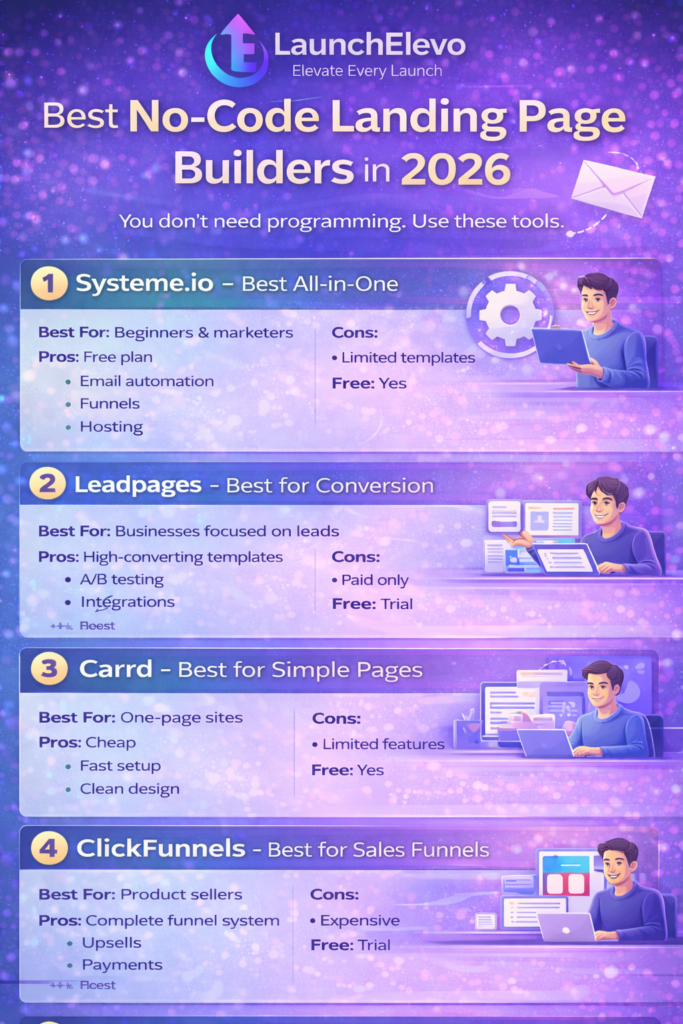
Best No-Code Landing Page Builders in 2026
You don’t need programming.
Use these tools.
1. Systeme.io – Best All-in-One
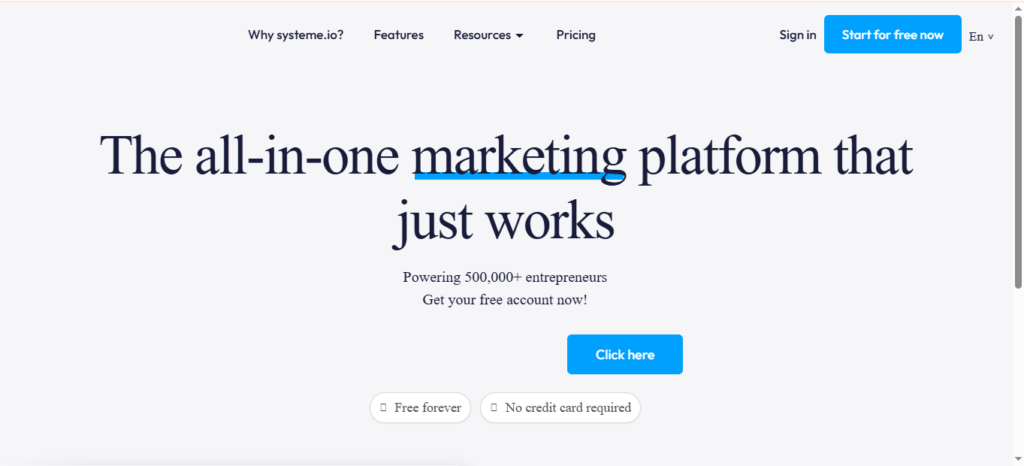
Best For: Beginners & marketers
Pros:
- Free plan
- Email automation
- Funnels
- Hosting
Cons:
- Limited templates
2. Leadpages – Best for Conversion
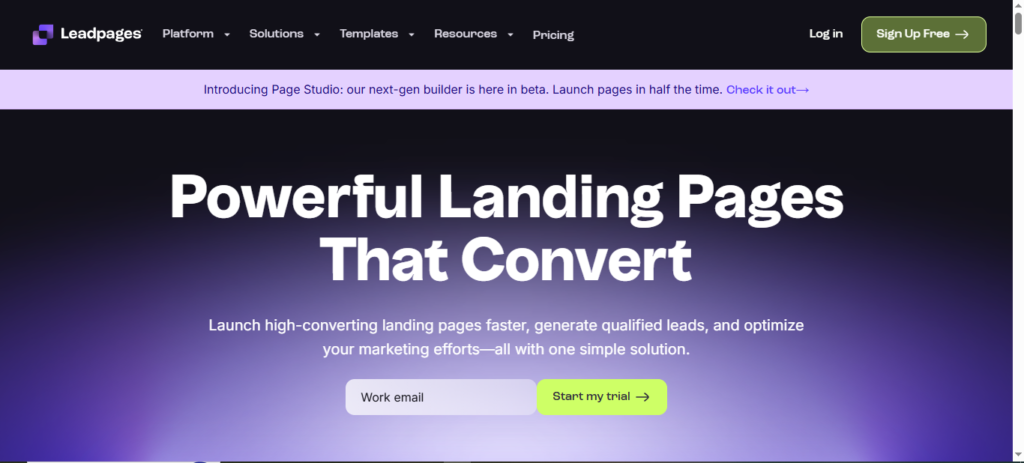
Best For: Businesses focused on leads
Pros:
- High-converting templates
- A/B testing
- Integrations
Cons:
- Paid only
3. Carrd – Best for Simple Pages
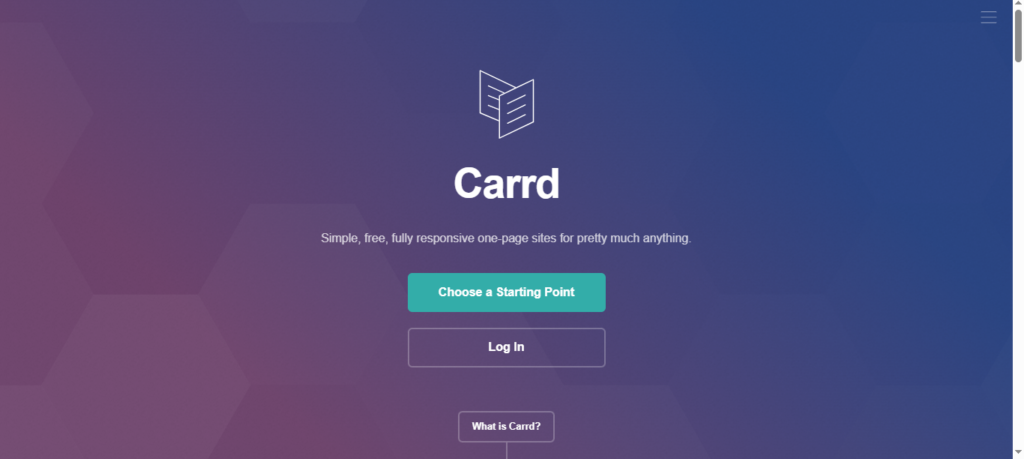
Best For: One-page sites
Pros:
- Cheap
- Fast setup
- Clean design
Cons:
- Limited features
4. ClickFunnels – Best for Sales Funnels
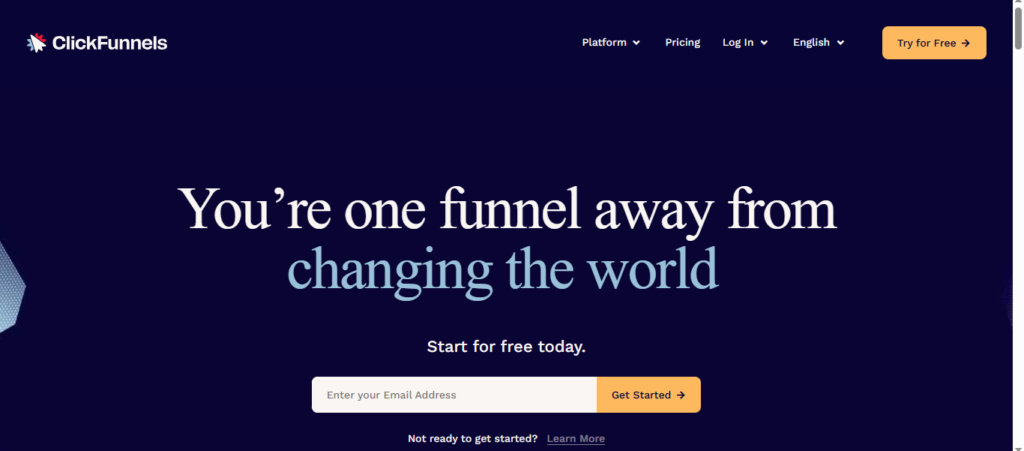
Best For: Product sellers
Pros:
- Complete funnel system
- Upsells
- Payments
Cons:
- Expensive
5. Unbounce – Best for Agencies
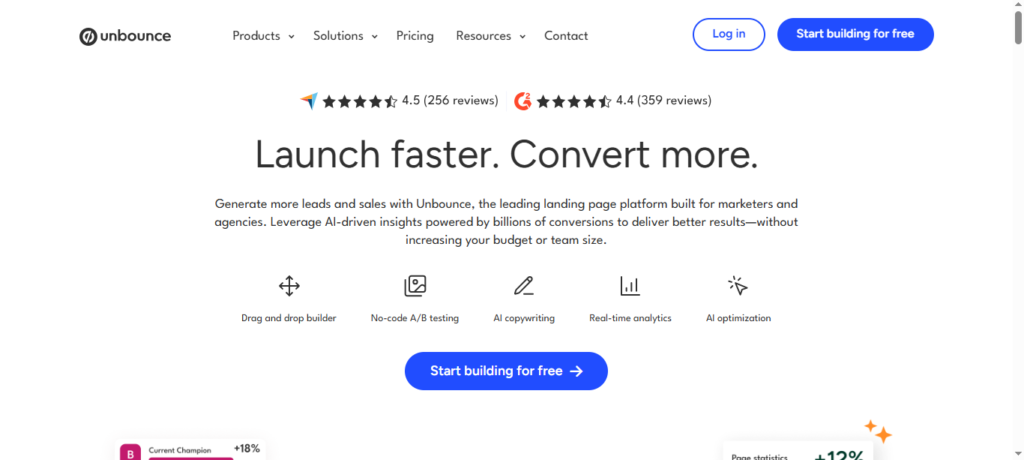
Best For: Advanced marketers
Pros:
- Smart traffic
- AI optimization
- A/B testing
Cons:
- High cost
How to Build a Landing Page Without Coding (Step-by-Step)
Follow this process exactly.
Step 1: Define Your Goal
Choose ONE goal.
Example:
❌ Get leads + sell + educate
✅ Get email signups
One page = one goal.
Step 2: Choose Your Platform
Beginners:
→ Systeme.io
Advanced:
→ Unbounce / Leadpages
Don’t overpay at start.
Step 3: Pick a Template
Choose a proven design.
Do not start from blank.
Templates are tested.
Step 4: Write High-Converting Copy
Use this formula:
Problem → Solution → Proof → Action
Example:
Problem:
Struggling to get customers?
Solution:
Our system brings daily leads.
Proof:
Used by 1,000+ businesses.
Action:
Start free today.
Step 5: Add Visuals
Use:
- Product screenshots
- Demo videos
- Mockups
Video increases conversions by up to 80%.
Step 6: Connect Your Email System
Integrate with:
- Systeme.io
- Mailchimp
- ActiveCampaign
Never lose leads.
Step 7: Optimize for Mobile
Check phone view.
70%+ visitors = mobile.
If broken → you lose money.
How to Optimize Landing Pages for Maximum Conversions
Advanced tactics:
Use A/B Testing
Test:
- Headline
- CTA color
- Button text
- Images
Small changes = big gains.
Add Urgency
Examples:
- Limited spots
- Offer expires
- Bonus ending
Use honestly.
Fake urgency kills trust.
Improve Page Speed
Slow pages = low sales.
Use:
- Compressed images
- Fast hosting
- CDN
Reduce Friction
Remove:
- Long forms
- Extra links
- Distractions
Focus user.
Remote teams using design tools can benefit from our review of best project management tools for remote teams.
Common Landing Page Mistakes
Avoid these:
1. Too Many Goals
Kills focus.
2. Weak Headlines
No interest.
3. No Proof
No trust.
4. Slow Loading
People leave.
5. No Testing
No improvement.
Most pages fail here.
Frequently Asked Questions (FAQs)
Do I need coding skills?
No. No-code tools handle everything.
How much does it cost?
$0–$50/month for most beginners.
How long to build one page?
2–4 hours.
Can I use WordPress?
Yes, with builders like Elementor.
What is a good conversion rate?
5–15% is strong.
Thank you for your feedback! Yes, Nicepage is a great option for building high-converting landing pages. Feel free to check out our full guide for more tips.