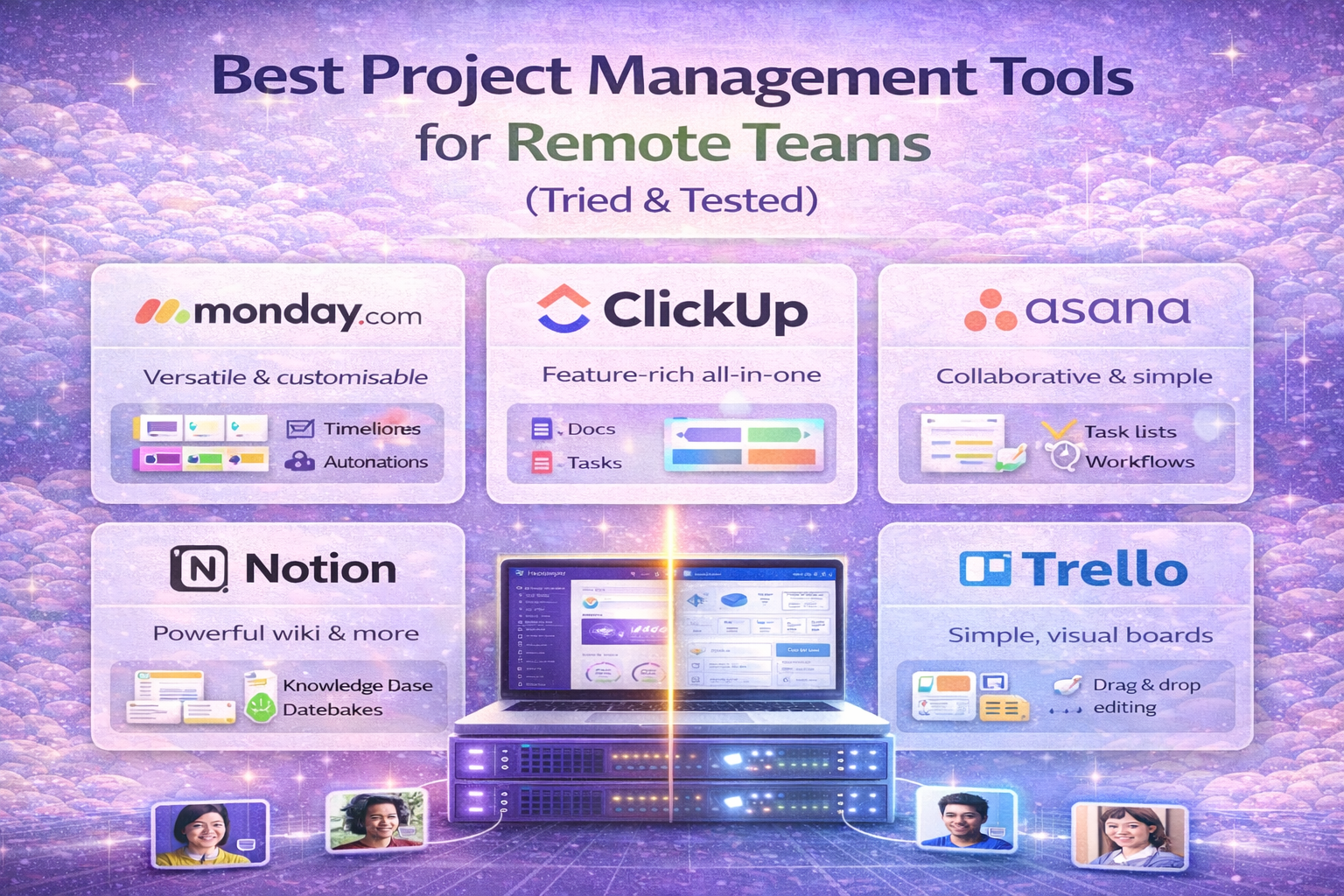
Best Project Management Tools for Remote Teams (Tried & Tested)
Managing a remote team without proper tools leads to missed deadlines, poor communication, and low productivity.
In 2026, successful remote teams rely on project management software to stay organized, collaborate efficiently, and deliver results on time.
To promote your website effectively, explore our list of top email marketing tools for online businesses in 2026.
In this guide, we compare the best project management tools for remote teams to help you choose the right platform.
🔍 What Is Project Management Software?
Project management tools help teams:
- Plan tasks and projects
- Track progress
- Collaborate in real-time
- Share files
- Manage deadlines
Instead of using emails and spreadsheets, everything stays in one place.
🏆 Top Project Management Tools for Remote Teams
After testing multiple platforms, these are the best options in 2026:
1️⃣ ClickUp – Best Overall
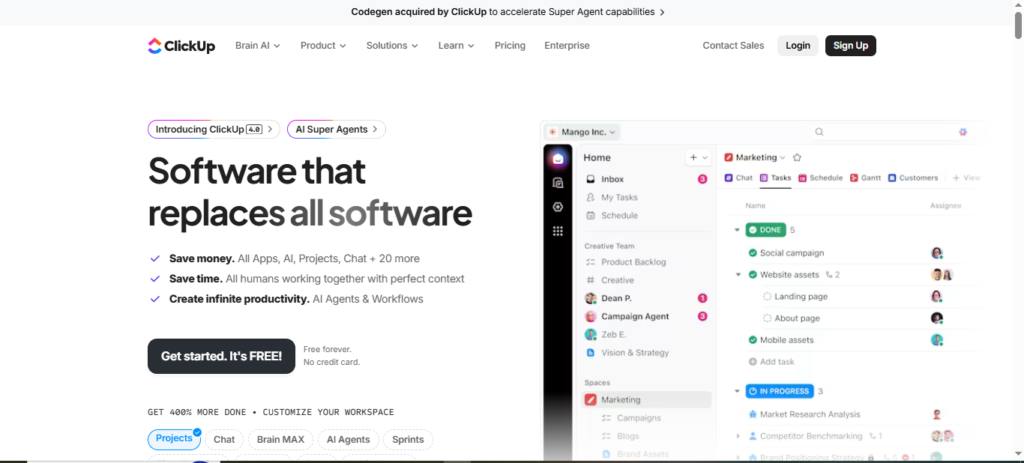
Best for: All-in-one project management
Key Features:
- Task management
- Time tracking
- Docs & dashboards
- Automation
- Team chat
Pros:
✅ Very powerful
✅ Free plan available
✅ Highly customizable
Cons:
❌ Can feel overwhelming at first
Free Plan / Trial:
✔️ Free forever + paid plans
2️⃣ Asana – Best for Team Collaboration
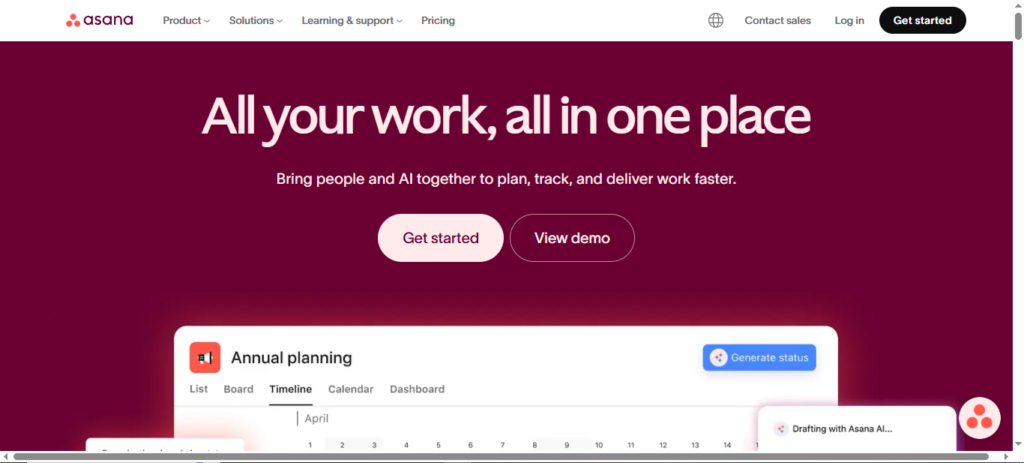
Best for: Team communication & workflows
Key Features:
- Task dependencies
- Project timelines
- Team goals
- Workflow automation
Pros:
✅ Clean interface
✅ Easy learning curve
✅ Strong team features
Cons:
❌ Limited free version
Free Trial:
✔️ 30-day trial
3️⃣ Trello – Best for Simple Teams
Best for: Small teams & beginners
Key Features:
- Kanban boards
- Drag-and-drop cards
- Integrations
- Mobile apps
Pros:
✅ Very easy to use
✅ Free plan available
✅ Fast setup
Cons:
❌ Not ideal for complex projects
Free Plan:
✔️ Free forever
4️⃣ Monday.com – Best for Visual Planning
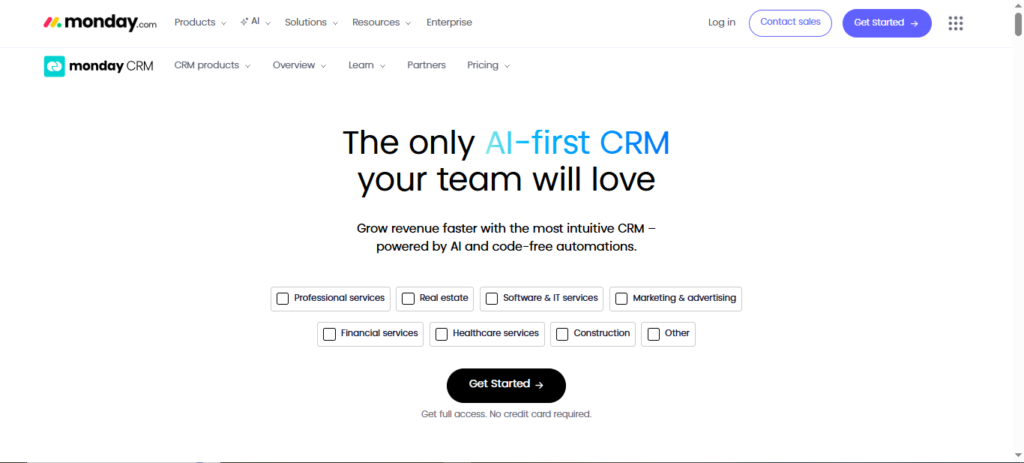
Best for: Visual workflows
Key Features:
- Custom dashboards
- Automation
- Team tracking
- CRM integration
Pros:
✅ Beautiful interface
✅ Strong automation
✅ Scalable
Cons:
❌ Expensive for small teams
Free Trial:
✔️ 14-day trial
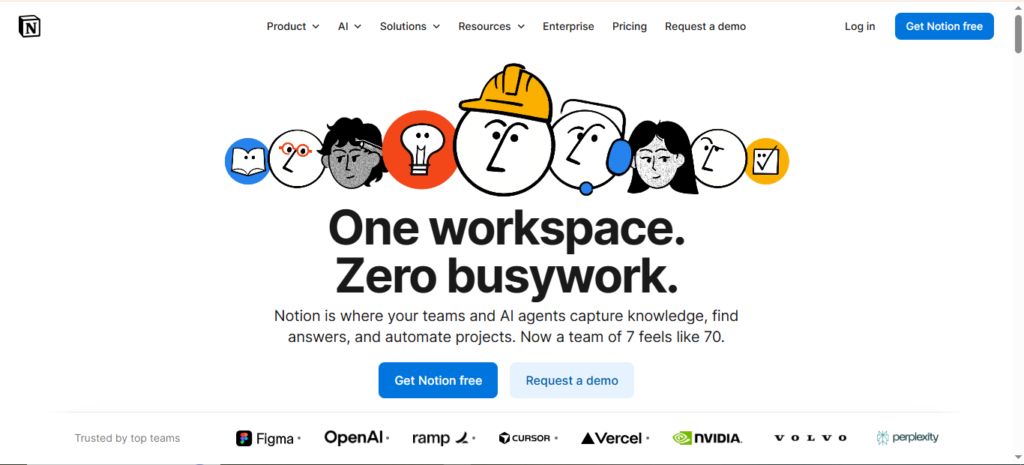
5️⃣ Notion – Best for Custom Workspaces
Best for: Flexible team systems
Key Features:
- Notes + tasks
- Databases
- Templates
- Collaboration tools
Pros:
✅ Extremely flexible
✅ Free plan
✅ All-in-one workspace
Cons:
❌ Requires setup time
Free Plan:
✔️ Free forever
📊 Comparison Table
| Tool | Free Plan | Best For | Starting Price |
|---|---|---|---|
| ClickUp | Yes | All-in-One | $7/month |
| Asana | Limited | Collaboration | $10.99/month |
| Trello | Yes | Simplicity | $5/month |
| Monday | No | Visual Teams | $9/month |
| Notion | Yes | Custom Systems | $8/month |
For secure remote work, check out our comparison of NordVPN vs ExpressVPN for business use.
🤔 How to Choose the Right Tool
👥 Team Size
- Small teams: Trello, Notion
- Medium teams: ClickUp, Asana
- Large teams: Monday, ClickUp
⚙️ Project Complexity
- Simple projects: Trello
- Complex projects: ClickUp, Monday
💰 Budget
- Low budget: Notion, Trello
- Medium budget: ClickUp, Asana
🏆 Our Top Pick
🥇 Best Overall: ClickUp
ClickUp stands out because it offers:
✔️ Powerful features
✔️ Affordable pricing
✔️ Free plan
✔️ Excellent scalability
It works for most remote teams.
🚀 Why Free Plans Matter
Free plans allow you to:
- Test workflows
- Train your team
- Reduce risk
Never commit before testing.
Freelancers and startups may also benefit from our guide on best accounting software in 2026
📌 Final Verdict
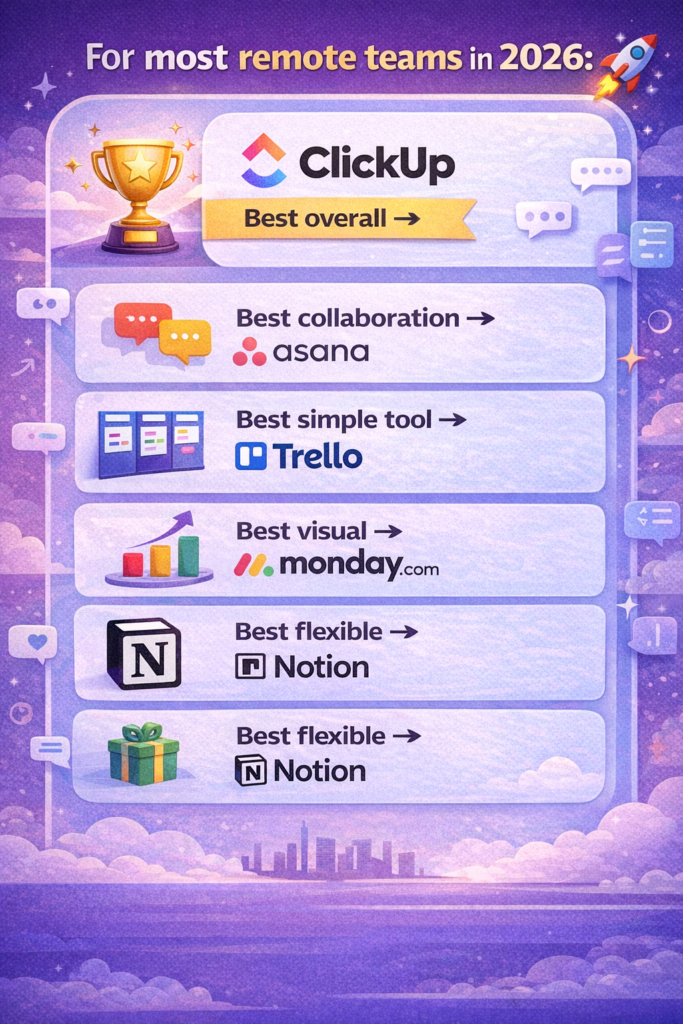
For most remote teams in 2026:
- Best overall → ClickUp
- Best collaboration → Asana
- Best simple tool → Trello
- Best visual → Monday
- Best flexible → Notion
🔗 Call to Action
👉 Try ClickUp Free
👉 Start Asana 30-Day Trial
👉 Explore Monday.com