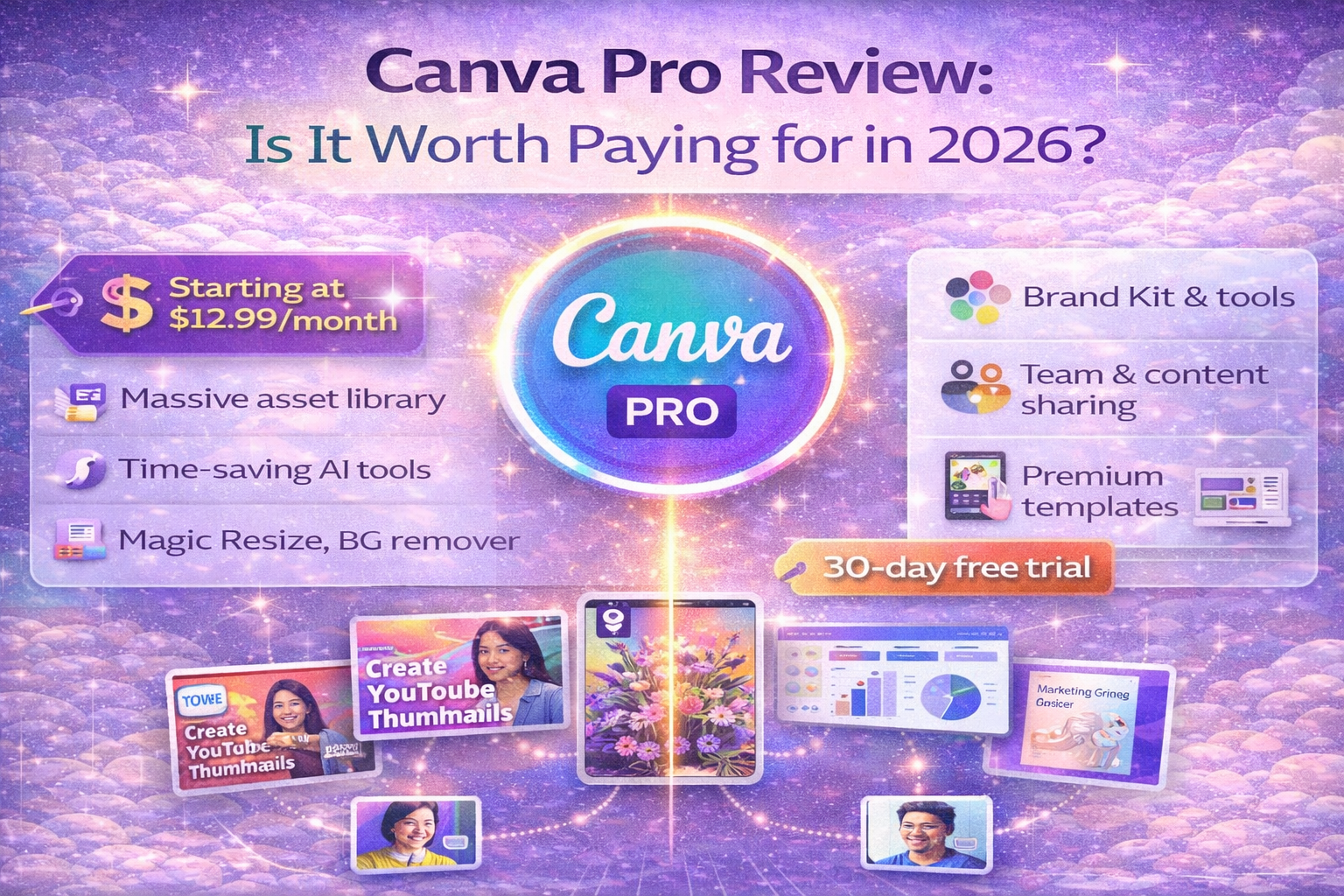
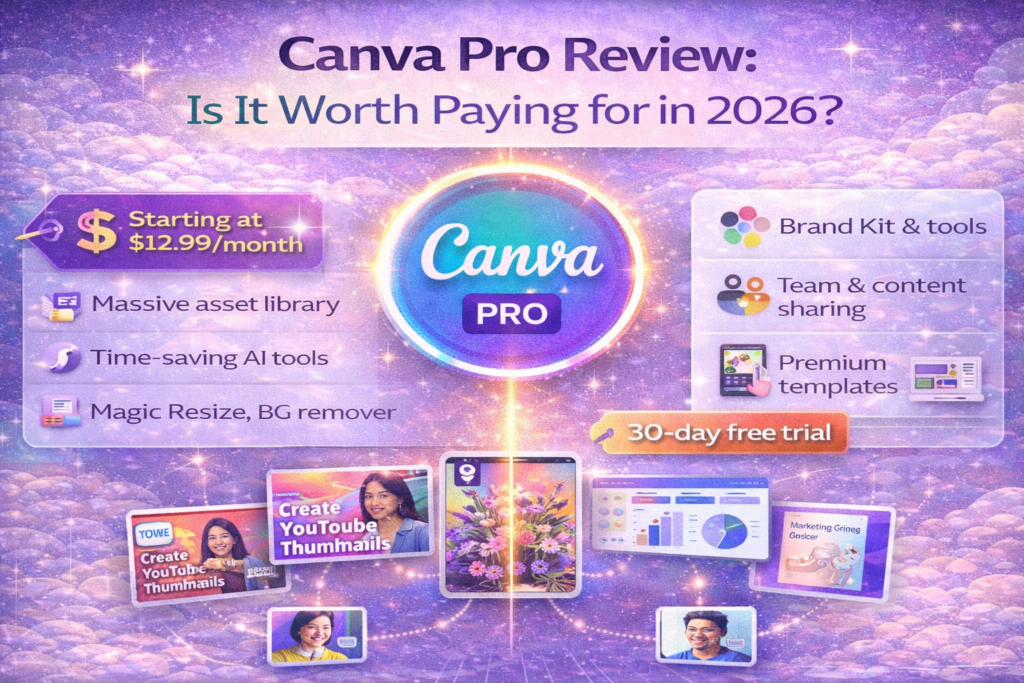
Canva Pro Review (2026): Is It Worth Paying For?
Design is no longer optional for businesses in 2026. Whether you run an online store, blog, agency, or personal brand, professional visuals are essential.
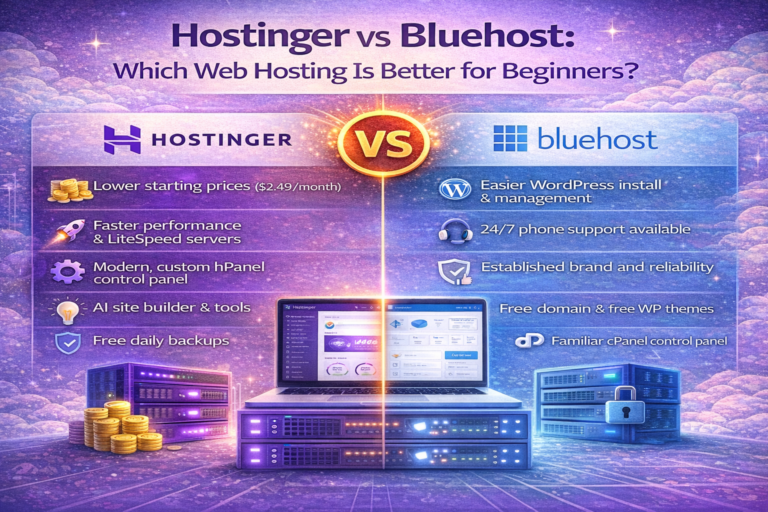
For reliable hosting performance, you may also find our comparison on Hostinger vs Bluehost for beginners in 2026 useful.
Canva Pro promises to make graphic design simple — even if you have zero design experience.
But is Canva Pro really worth paying for?
In this detailed review, we’ll analyze features, pricing, pros, cons, and alternatives to help you decide.
🔍 What Is Canva Pro?
Canva Pro is the premium version of Canva, an online design platform used for:
- Social media graphics
- Business presentations
- Logos & branding
- Marketing materials
- Videos & ads
It is designed for beginners and professionals alike.
🚀 Key Features of Canva Pro
1️⃣ Premium Templates
Access to 600,000+ professionally designed templates.
No need to start from scratch.
2️⃣ Brand Kit
Save your:
- Logo
- Fonts
- Colors
Maintain consistent branding.
3️⃣ Background Remover
Remove backgrounds with one click.
Huge time-saver for product photos.
4️⃣ Stock Photos & Videos
Millions of premium images and videos included.
No need to buy stock separately.
5️⃣ Magic Resize
Resize designs instantly for:
- YouTube
- Ads
6️⃣ Team Collaboration
Invite team members and collaborate in real-time.
💰 Canva Pro Pricing (2026)
| Plan | Price | Best For |
|---|---|---|
| Free | $0 | Basic users |
| Pro | $14.99/month | Creators & Businesses |
| Teams | $29.99/month | Companies |
👍 Pros and Cons
✅ Pros
✔️ Extremely easy to use
✔️ Massive template library
✔️ Saves time
✔️ Affordable pricing
✔️ Cloud-based (no install needed)
❌ Cons
❌ Limited advanced design tools
❌ Internet required
❌ Not ideal for complex illustrations
📊 Canva Pro vs Free Version
| Feature | Free | Pro |
|---|---|---|
| Templates | Limited | Premium |
| Background Remover | No | Yes |
| Stock Media | Limited | Unlimited |
| Brand Kit | No | Yes |
| Magic Resize | No | Yes |
Remote teams using design tools can benefit from our review of best project management tools for remote teams.
🤔 Who Should Use Canva Pro?
Canva Pro is perfect for:
✅ Small business owners
✅ Social media managers
✅ Content creators
✅ Freelancers
✅ Marketers
Not ideal for:
❌ Professional graphic designers
❌ Complex branding agencies
🏆 Is Canva Pro Worth It in 2026?
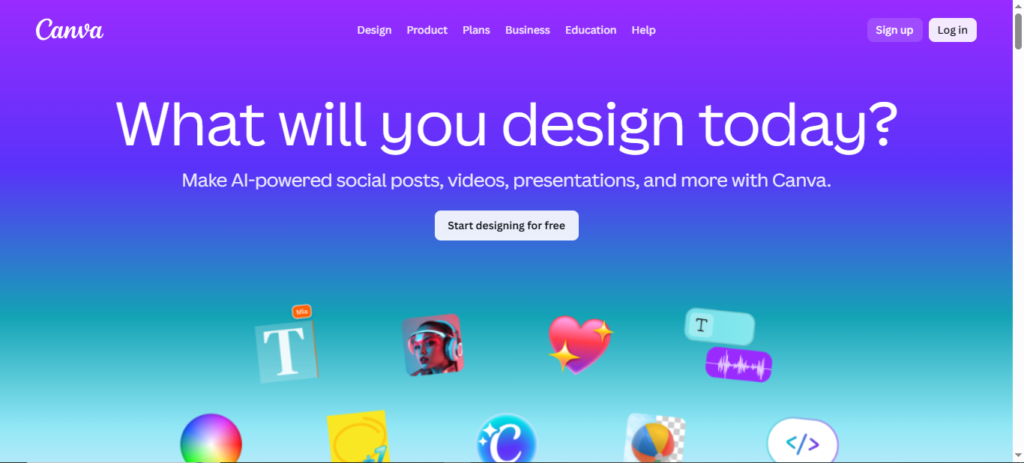
Our Verdict: YES — For Most Businesses
Canva Pro is worth it if you:
✔️ Create designs weekly
✔️ Run ads or social media
✔️ Want professional branding
✔️ Value time-saving tools
For under $15/month, it replaces multiple expensive tools.
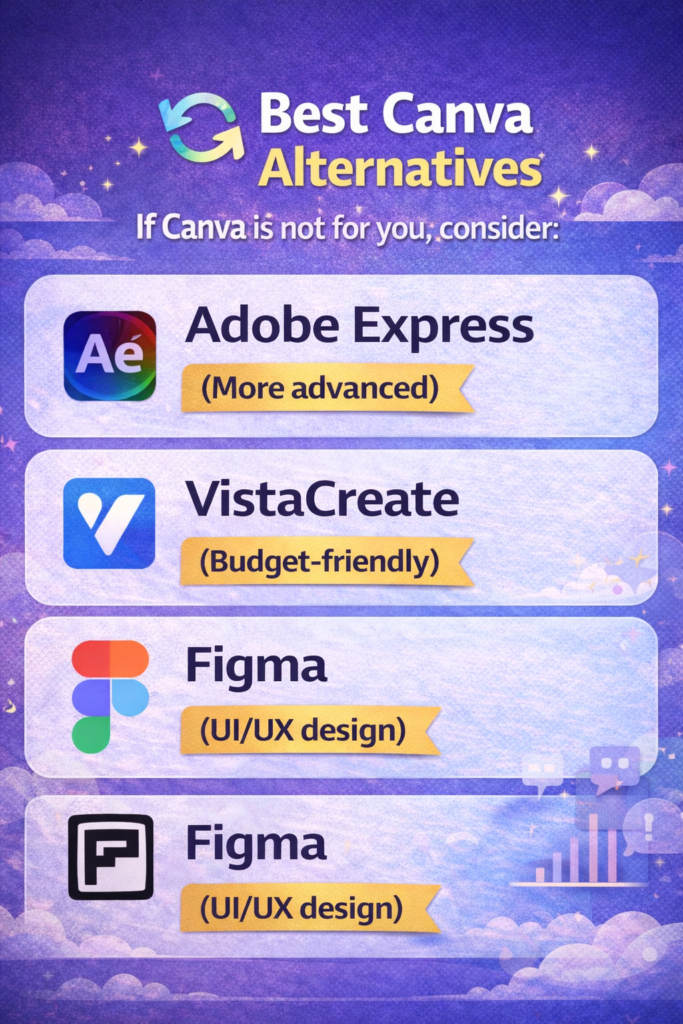
🔄 Best Canva Alternatives
If Canva is not for you, consider:
- Adobe Express (More advanced)
- VistaCreate (Budget-friendly)
- Figma (UI/UX design)
🚀 Free Trial: Try Before You Buy
Canva offers a 30-day free trial, so you can test all Pro features risk-free.
This is the best way to see if it fits your workflow.
If you also create marketing visuals, read our full Canva Pro review for 2026 to see if it’s worth the investment.