Email Marketing Automation for E-Commerce: Boost Sales with These Low-Cost Tools (2026 Guide)
Introduction
Running an e-commerce business is not easy. You spend money on ads, social media, and influencers, but many visitors leave your website without buying anything.
This is where email marketing automation becomes powerful.
In 2026, automated email campaigns help online stores recover lost sales, build customer loyalty, and increase lifetime value—without hiring extra staff.
If you need professional designers or developers, see our guide on choosing the right freelance marketplace in 2026.
In this guide, you will learn how email automation works, which tools to use, and how to set up profitable campaigns step by step.
What Is Email Marketing Automation?
Email marketing automation means sending pre-written emails automatically based on user behavior.
Examples:
- When someone signs up → welcome email
- When someone abandons cart → reminder email
- After purchase → thank-you + upsell email
- After inactivity → re-engagement email
Instead of sending emails manually, software does it for you 24/7.
Why Email Automation Is Essential for E-Commerce in 2026
Many online stores fail because they rely only on ads.
Smart stores rely on email.
Here’s why:
1. Higher ROI Than Ads
Email marketing generates up to $36 for every $1 spent.
2. Recover Lost Sales
Abandoned cart emails can recover 10–30% of lost revenue.
3. Build Customer Loyalty
Automated follow-ups increase repeat purchases.
4. Personalized Marketing
Automation sends the right message at the right time.
Essential Email Automation Flows for Online Stores
Every successful e-commerce store uses these core flows.
1. Welcome Email Series
Triggered when someone joins your list.
Purpose: Build trust + first sale
Example flow:
- Welcome + brand story
- Best products
- Discount offer
Tip: Offer 10% off in email #3.
2. Abandoned Cart Recovery
Triggered when user leaves without checkout.
Purpose: Recover sales
Example flow:
- Email 1 (1 hour later): Reminder
- Email 2 (24h): Social proof
- Email 3 (48h): Discount
This alone can double revenue.
3. Post-Purchase Follow-Up
Triggered after order.
Purpose: Increase lifetime value
Include:
- Thank you
- Usage tips
- Review request
- Cross-sell
4. Re-Engagement Campaign
Triggered after inactivity (30–60 days).
Purpose: Win back customers
Example:
“We miss you. Here’s 15% off.”
Remove inactive users after 90 days.
5. Promotional Campaigns
Used for:
- Sales
- Holidays
- New products
Do not overuse. 1–2/month max.
Best Low-Cost Email Automation Tools in 2026
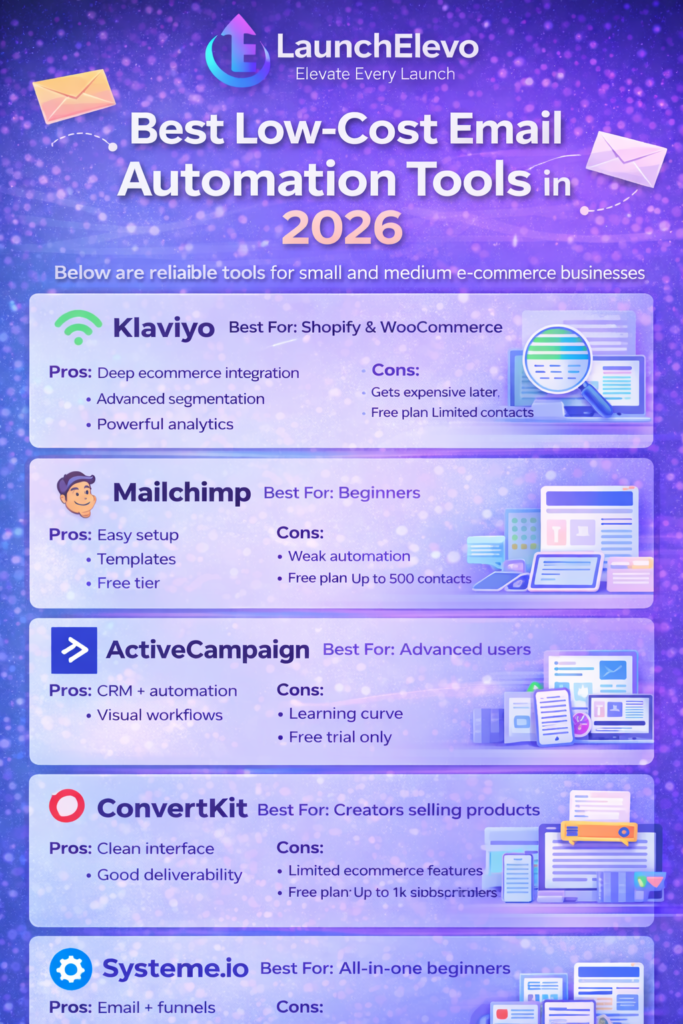
Below are reliable tools for small and medium e-commerce businesses.
1. Klaviyo
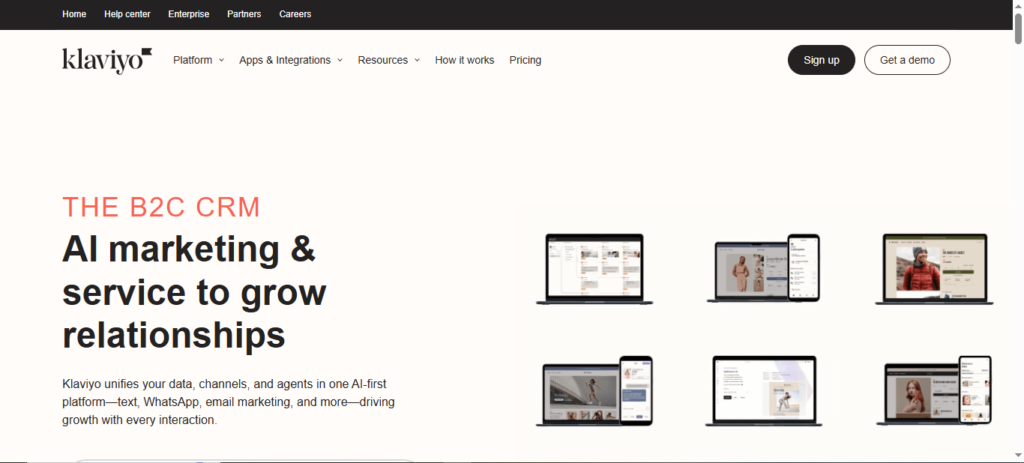
Best For: Shopify & WooCommerce
Pros:
- Deep ecommerce integration
- Advanced segmentation
- Powerful analytics
Cons:
- Gets expensive later
2. Mailchimp
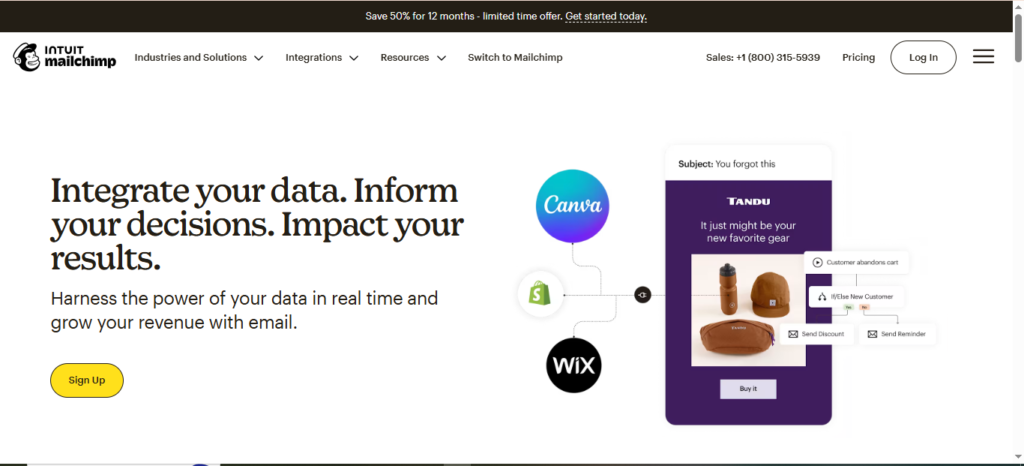
Best For: Beginners
Pros:
- Easy setup
- Templates
- Free tier
Cons:
- Weak automation
Free plan: Up to 500 contacts
3. ActiveCampaign
Best For: Advanced users
Pros:
- CRM + automation
- Visual workflows
Cons:
- Learning curve
4. ConvertKit
Best For: Creators selling products
Pros:
- Clean interface
- Good deliverability
Cons:
- Limited ecommerce features
Free plan: Up to 1k subscribers
5. Systeme.io
Best For: All-in-one beginners
Pros:
- Email + funnels
- Free plan
- Landing pages
Cons:
- Basic templates
To maximize conversions, follow our step-by-step tutorial on building high-converting landing pages without coding.
How to Set Up Email Automation (Step-by-Step)
Follow this exact process.
Step 1: Choose Your Tool
Start with:
- Systeme.io (free)
- Mailchimp (simple)
- Klaviyo (Shopify)
Don’t overthink.
Step 2: Connect Your Store
Integrate with:
- Shopify
- WooCommerce
- BigCommerce
Test connection.
Step 3: Build Your Email List
Methods:
- Pop-ups
- Checkout opt-in
- Free shipping offer
- Lead magnets
Never buy lists.
Step 4: Create Automation Workflows
Start with:
✅ Welcome
✅ Cart recovery
✅ Post-purchase
Skip advanced flows until later.
Step 5: Write High-Converting Emails
Structure:
- Subject (curiosity)
- Problem
- Solution
- CTA
Example subject:
“Forgot something? 👀”
Step 6: Test and Optimize
Check:
- Open rate (>25%)
- Click rate (>3%)
- Revenue per email
Improve weak campaigns.
How to Increase Email Conversions
Advanced tips:
Use Personalization
Name + product history
Optimize Timing
Send between 7–10 AM
Mobile Optimization
70% open on phone
Use Social Proof
Add reviews
Add Scarcity
Limited-time offers
Common Email Marketing Automation Mistakes
Avoid these:
1. Too Many Emails
Leads to unsubscribes.
2. No Segmentation
Everyone gets same email = low ROI.
3. Poor Subject Lines
Kills open rates.
4. No Cleanup
Inactive subscribers hurt deliverability.
5. No Tracking
You can’t improve what you don’t measure.
Frequently Asked Questions (FAQs)
Is email automation better than ads?
Yes, for long-term growth.
How many emails should I automate?
Start with 3 flows. Add more later.
Can beginners use automation?
Yes. Tools are user-friendly.
Is it expensive?
Free plans are enough at first.
Does automation work for small stores?
Yes. Even 50 customers matter.
Backlink Strategy for This Article
To rank faster:
- Guest post on ecommerce blogs
- Answer questions on Quora
- Share case studies
- Partner with SaaS tools
- If you are managing leads and customers for your online projects, check out our detailed guide on best CRM software for small businesses in 2026.
Conclusion
Email marketing automation is not optional in 2026.
It is the backbone of profitable e-commerce.
If you:
✅ Set up core flows
✅ Use proper tools
✅ Optimize regularly
You will increase sales without increasing ad spend.
Start today. Automate once. Profit long-term.