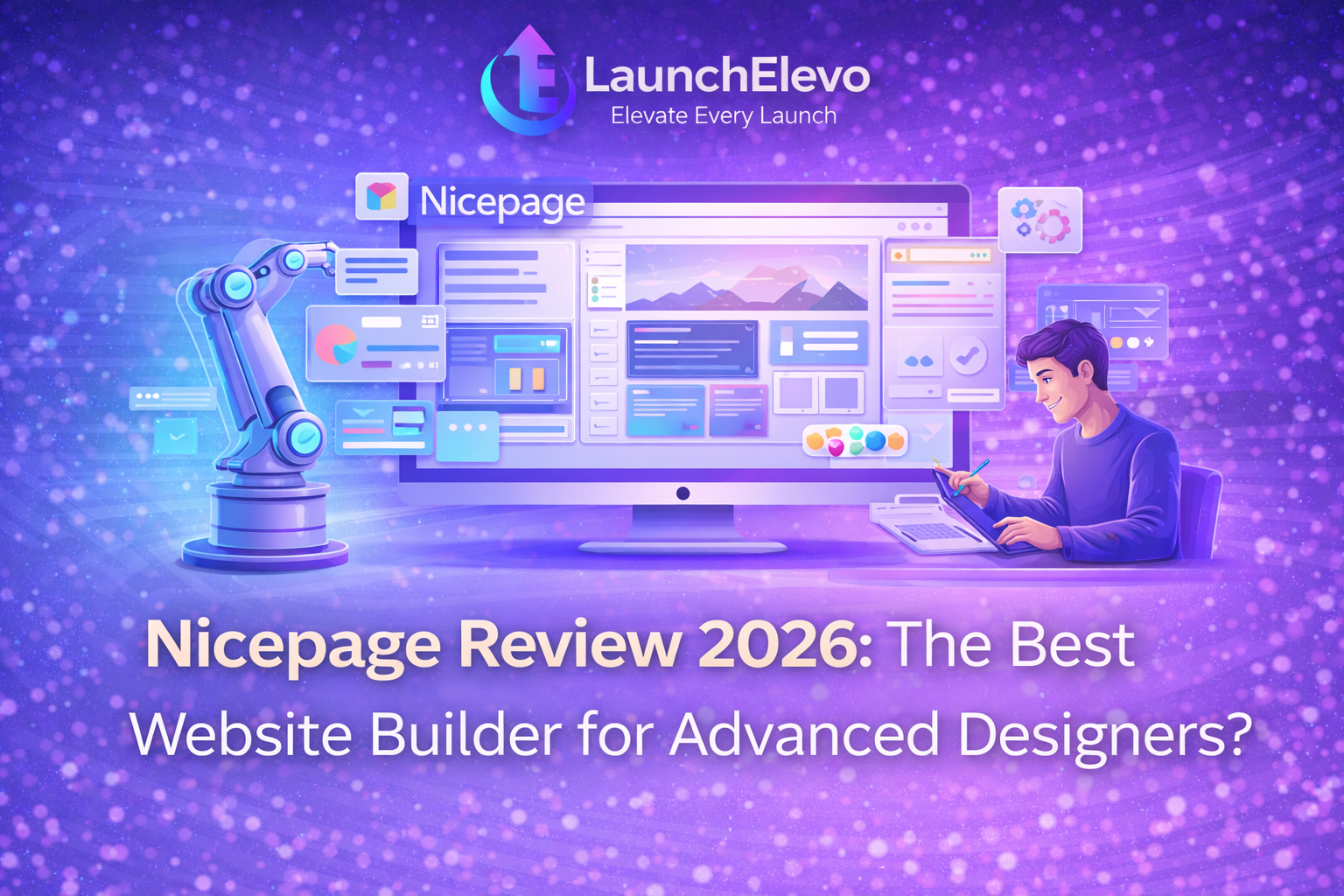
Nicepage Review 2026: The Best Website Builder for Advanced Designers?
Introduction
Choosing the right website builder is crucial for designers and businesses that want full creative control, flexibility, and performance. While many platforms focus on beginners, advanced users often need more powerful design tools and customization options.
If you are planning to use Nicepage for marketing campaigns, you may find our step-by-step guide on building high-converting landing pages without coding very helpful.
In this detailed review, we evaluate Nicepage and explore whether it is the right choice for professional designers and advanced users in 2026.
What Is Nicepage?
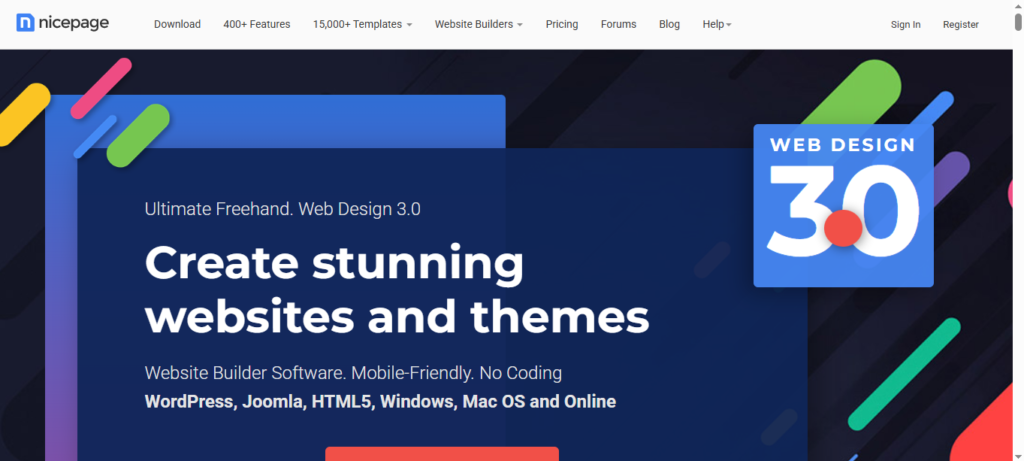
Nicepage is a professional website design platform that allows users to create responsive websites using advanced visual editing tools. It supports multiple platforms, including:
- WordPress
- Joomla
- Static HTML websites
Unlike typical drag-and-drop builders, Nicepage focuses on design precision, layout control, and high-quality templates.
Key Features of Nicepage
1. Advanced Visual Editor
Nicepage offers a powerful visual editor that allows designers to customize every element, including:
- Layout structure
- Typography
- Spacing and margins
- Colors and animations
This makes it suitable for users who want full control over their designs.
2. Professional Templates
The platform provides hundreds of modern, responsive templates designed for:
- Business websites
- Portfolios
- Landing pages
- E-commerce projects
All templates are fully customizable and optimized for mobile devices.
3. Multi-Platform Support
One of Nicepage’s biggest advantages is its flexibility. You can export your designs to:
- WordPress
- Joomla
- Static HTML files
This allows designers to work across different systems without rebuilding websites from scratch.
4. Desktop and Online Editors
Nicepage offers both:
- Desktop application (Windows & macOS)
- Cloud-based online editor
This gives users the freedom to work online or offline.
5. Performance Optimization
Websites created with Nicepage are optimized for:
- Fast loading speed
- Clean code structure
- SEO-friendly markup
This helps improve search engine rankings and user experience.
Ease of Use
Nicepage is designed primarily for intermediate and advanced users.
Strengths:
- Precise layout control
- Flexible design system
- Advanced customization options
Limitations:
- Steeper learning curve for beginners
- Interface may feel complex at first
New users may need some time to fully understand all features, but experienced designers will appreciate the level of control.
Pricing Overview
Nicepage offers:
- Free version (limited features)
- Personal and Business plans
- Desktop and cloud subscriptions
The paid plans unlock premium templates, advanced export options, and commercial usage rights.
For professional users, the pricing is reasonable considering the features provided.
Pros and Cons of Nicepage
✅ Pros
- Powerful design editor
- High-quality templates
- WordPress and HTML export
- Works offline (desktop app)
- Strong customization tools
❌ Cons
- Not ideal for complete beginners
- Learning curve can be challenging
- Limited built-in hosting features
Nicepage vs Other Website Builders
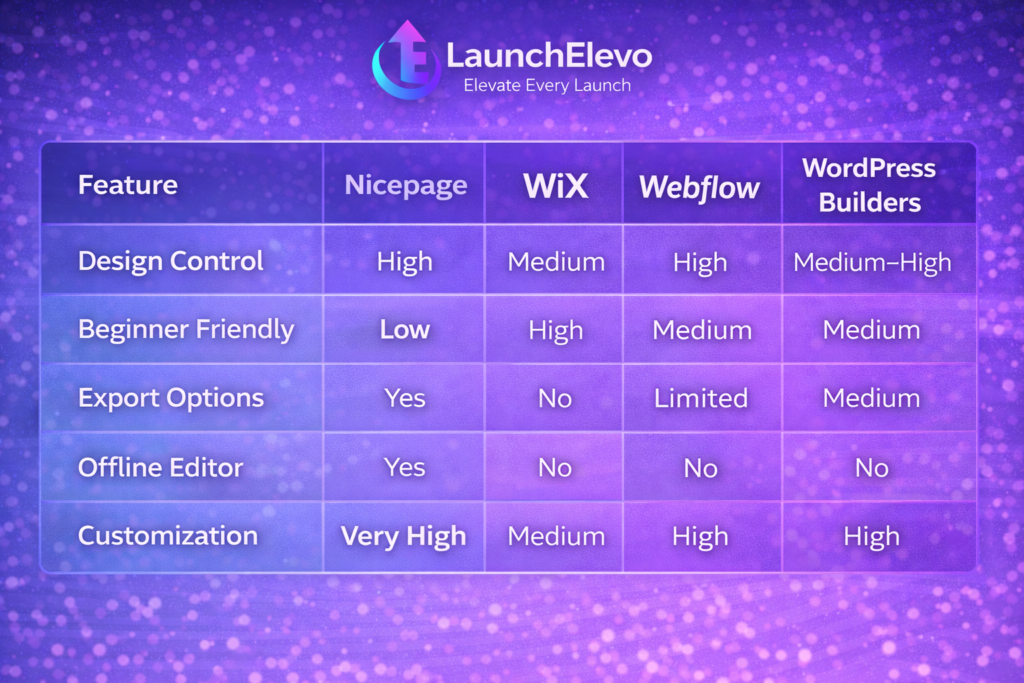
| Feature | Nicepage | Wix | Webflow | WordPress Builders |
|---|---|---|---|---|
| Design Control | High | Medium | High | Medium–High |
| Beginner Friendly | Low | High | Medium | Medium |
| Export Options | Yes | No | Limited | Yes |
| Offline Editor | Yes | No | No | No |
| Customization | Very High | Medium | High | High |
Nicepage stands out for designers who want flexibility without being locked into one platform.
If you need professional designers to customize your Nicepage projects, check out our comparison on choosing the right freelance marketplace in 2026.
Who Should Use Nicepage?
Nicepage is best suited for:
✔️ Professional web designers
✔️ Freelancers and agencies
✔️ Developers working with WordPress or HTML
✔️ Users who want design freedom
It may not be the best choice for users who want a simple “build and publish” solution with hosting included.
SEO Performance
Nicepage websites are built with SEO best practices in mind, including:
- Clean HTML structure
- Mobile responsiveness
- Fast page loading
- Custom meta tags
These features help improve visibility in search engines when combined with good content and backlinks.
Customer Support and Resources
Nicepage provides:
- Documentation and tutorials
- Knowledge base
- Community resources
- Email support (for paid plans)
While support is generally reliable, advanced users will benefit most from self-learning and documentation.
Final Verdict: Is Nicepage Worth It in 2026?
Nicepage is a powerful website builder designed for advanced designers who need full creative control and platform flexibility.
It is not a beginner-focused tool, but for professionals who value customization, performance, and export options, it is a strong choice.
Overall Rating: ⭐⭐⭐⭐☆ (4.5/5)
Best For: Advanced designers and agencies
Not Ideal For: Complete beginners
Try Nicepage
If you are an experienced designer looking for a flexible website builder with professional tools, Nicepage is worth testing through its free trial.
Visit their official website to explore the platform and start building.
After designing your website with Nicepage, you can increase conversions by using email marketing automation tools for e-commerce.
Nicepage Review 2026: The Best Website Builder for Advanced Designers?
Introduction Choosing the right website builder is crucial for designers and businesses that want full…

Step-by-Step Tutorial: Building a High-Converting Landing Page Without Coding (2026 Guide)
Introduction Most small businesses waste money on ads because their landing pages do not convert…
How to Choose the Right Freelance Marketplace in 2026 (Upwork vs Fiverr vs Others)
Introduction Hiring freelancers has become one of the smartest ways for businesses to grow without…

Email Marketing Automation for E-Commerce: Boost Sales with These Low-Cost Tools (2026 Guide)
Introduction Running an e-commerce business is not easy. You spend money on ads, social media,…
Beginner’s Guide to Local SEO in 2026: Simple Steps That Actually Work
Introduction If you own a small business that serves customers in a specific city or…

Top Free AI Writing Tools for Small Business in 2026 (Best for SEO & Content Growth)
Introduction Creating high-quality content consistently is one of the biggest challenges for small businesses. Hiring…
Nicepage Review 2026: The Best Website Builder for Advanced Designers?
Introduction Choosing the right website builder is crucial for designers and businesses that want full…
Step-by-Step Tutorial: Building a High-Converting Landing Page Without Coding (2026 Guide)
Introduction Most small businesses waste money on ads because their landing pages do not convert…
How to Choose the Right Freelance Marketplace in 2026 (Upwork vs Fiverr vs Others)
Introduction Hiring freelancers has become one of the smartest ways for businesses to grow without…
Email Marketing Automation for E-Commerce: Boost Sales with These Low-Cost Tools (2026 Guide)
Introduction Running an e-commerce business is not easy. You spend money on ads, social media,…
Beginner’s Guide to Local SEO in 2026: Simple Steps That Actually Work
Introduction If you own a small business that serves customers in a specific city or…
Top Free AI Writing Tools for Small Business in 2026 (Best for SEO & Content Growth)
Introduction Creating high-quality content consistently is one of the biggest challenges for small businesses. Hiring…