
Best Website Builders for Small Business Owners in 2026 (No Coding Needed)
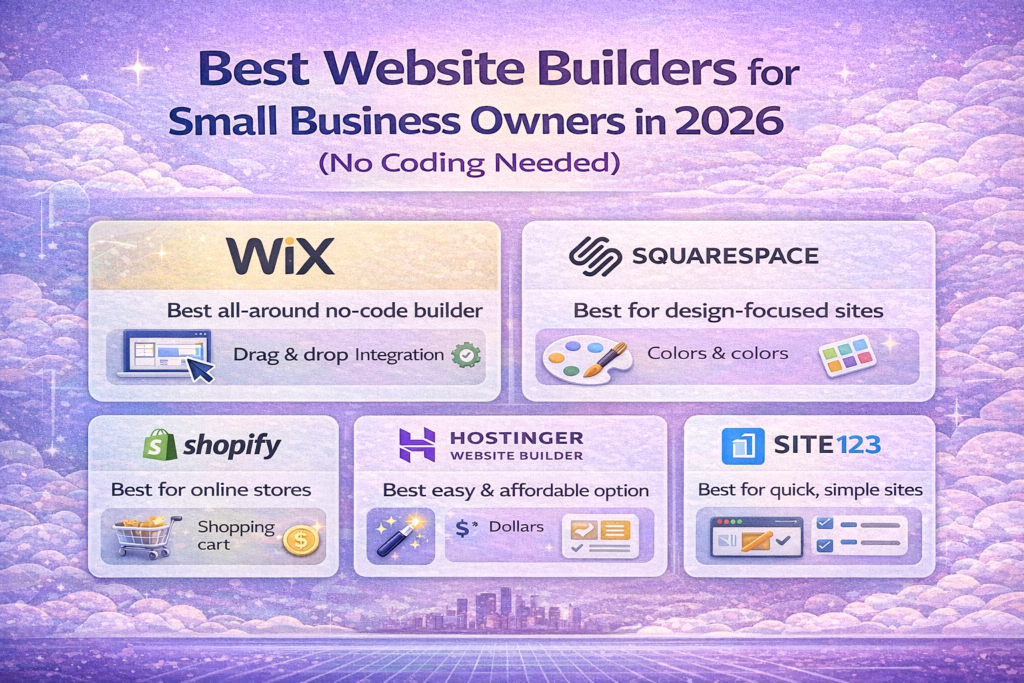
In 2026, every small business needs a professional website. Customers expect to find you online before they trust you.
But hiring developers is expensive.
To improve SEO content creation, check out our list of top free AI writing tools for small businesses.
That’s why website builders are the best solution for small business owners.
In this guide, we review the best website builders that require no coding skills.
🔍 What Is a Website Builder?
A website builder allows you to:
- Create websites using drag-and-drop tools
- Customize designs
- Add contact forms
- Sell products
- Manage content
No technical skills required.
🏆 Best Website Builders in 2026
1️⃣ Wix – Best Overall for Small Businesses
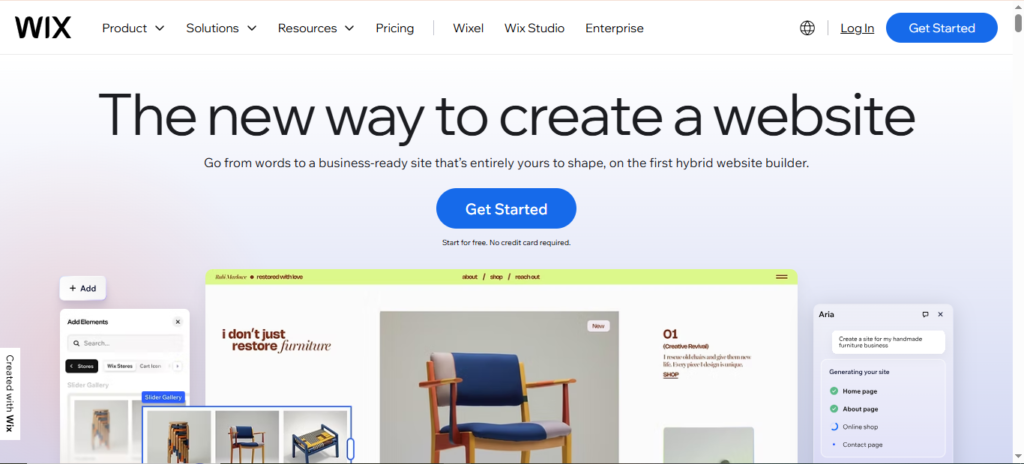
Best for: Most beginners
Key Features:
- Drag-and-drop editor
- 900+ templates
- SEO tools
- Online booking
Pros:
✅ Very easy to use
✅ Large template library
✅ All-in-one platform
Cons:
❌ Hard to migrate later
Free Trial:
✔️ Free plan + paid plans
2️⃣ Squarespace – Best for Design
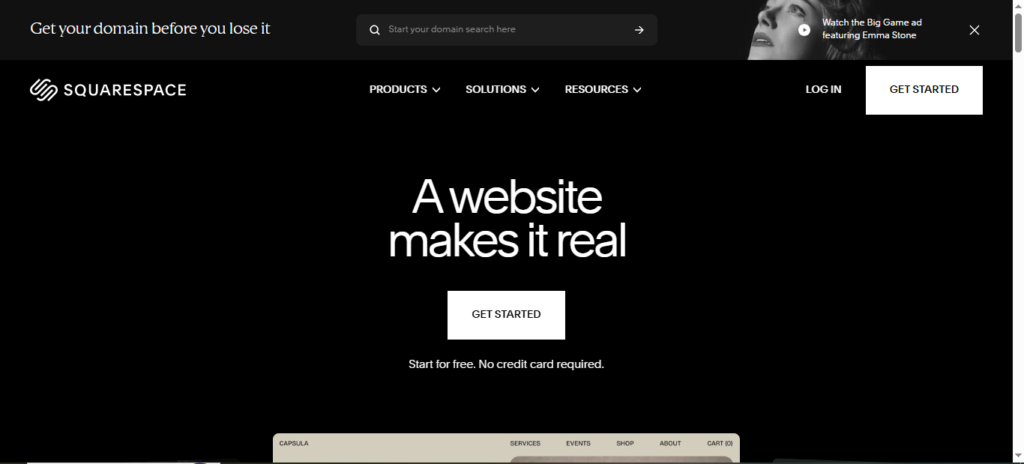
Best for: Creative businesses
Key Features:
- Professional templates
- Blogging tools
- E-commerce features
- Analytics
Pros:
✅ Beautiful designs
✅ Reliable hosting
✅ Good performance
Cons:
❌ Less customization
Free Trial:
✔️ 14-day trial
3️⃣ WordPress.com – Best for Content Websites
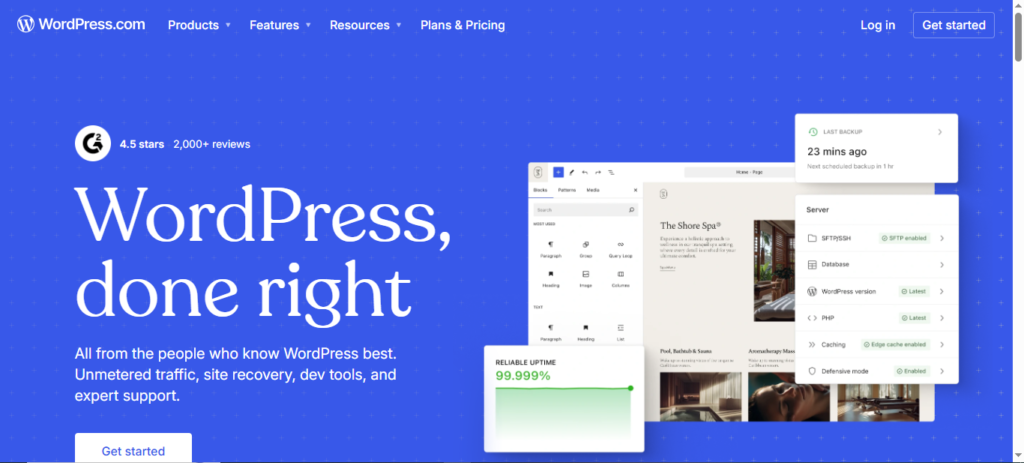
Best for: Blogs & service businesses
Key Features:
- Managed WordPress
- Built-in security
- Plugin support (paid)
- SEO tools
Pros:
✅ Powerful platform
✅ Scalable
✅ Large ecosystem
Cons:
❌ Learning curve
Free Plan:
✔️ Free + paid plans
4️⃣ Zyro (Hostinger Builder) – Best Budget Option
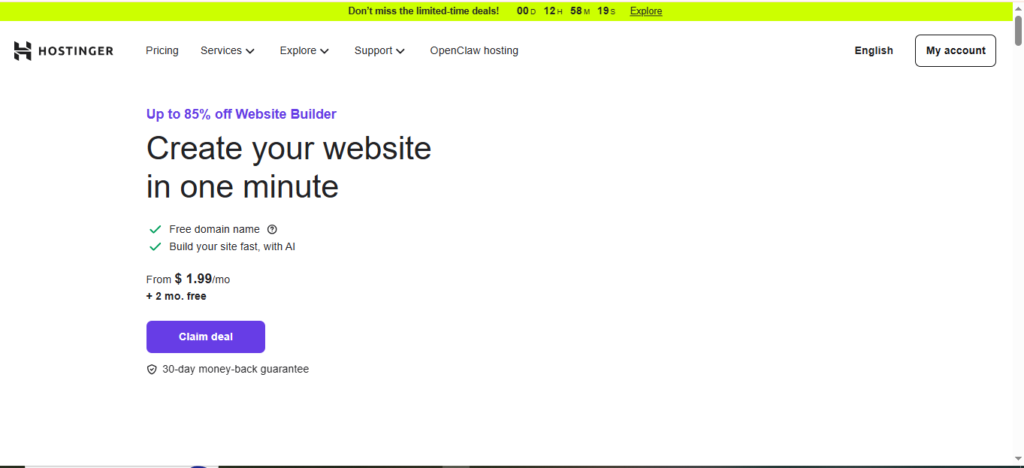
Best for: Low-cost websites
Key Features:
- AI website builder
- Simple templates
- Fast setup
- Hosting included
Pros:
✅ Very affordable
✅ Easy setup
✅ Good speed
Cons:
❌ Limited features
Free Trial:
✔️ 30-day refund policy
5️⃣ Webflow – Best for Advanced Users
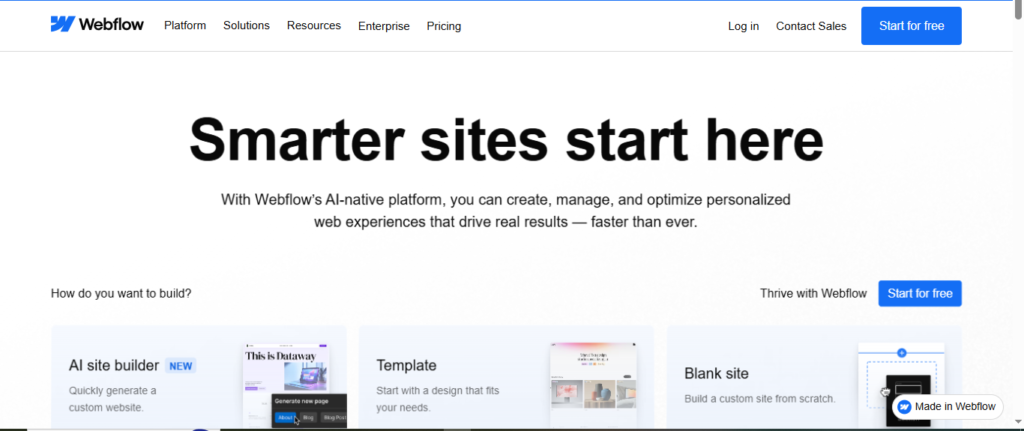
Best for: Custom design
Key Features:
- Visual editor
- CMS tools
- Animations
- Hosting included
Pros:
✅ Highly customizable
✅ Professional results
✅ Clean code
Cons:
❌ Steep learning curve
Free Plan:
✔️ Limited free plan
📊 Comparison Table
| Builder | Best For | Free Plan | Starting Price |
|---|---|---|---|
| Wix | Beginners | Yes | $16/month |
| Squarespace | Design | No | $16/month |
| WordPress.com | Content | Yes | $8/month |
| Zyro | Budget | No | $2.99/month |
| Webflow | Custom | Yes | $14/month |
For better local visibility, follow our beginner’s guide to local SEO in 2026.
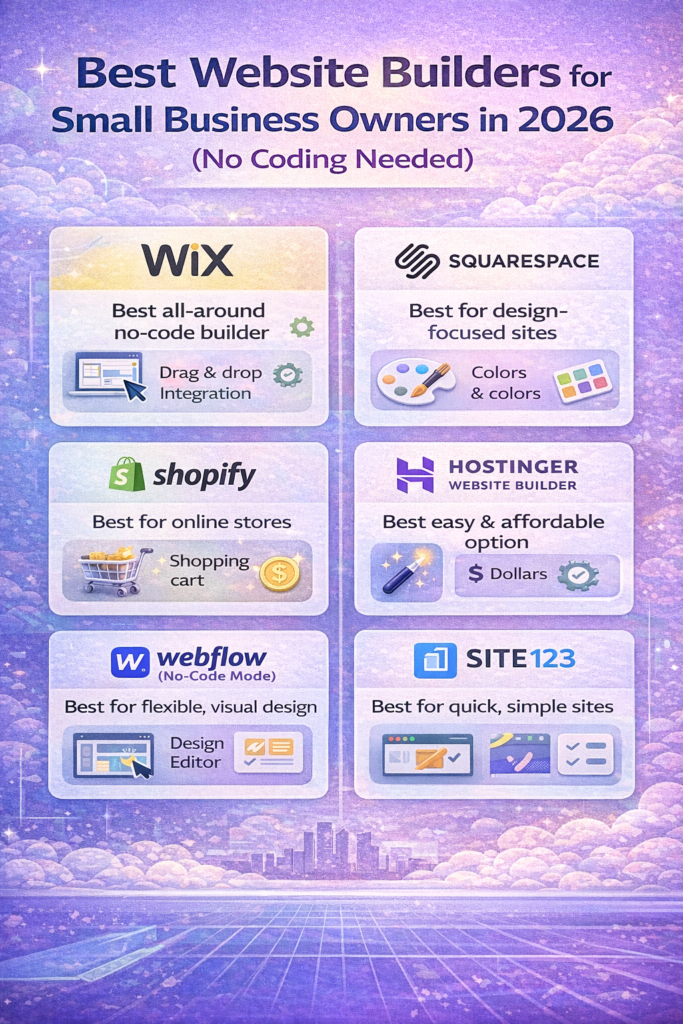
📌 How to Choose the Right Website Builder
💰 Budget
- Low budget: Zyro, WordPress
- Medium budget: Wix
- High budget: Squarespace, Webflow
🛠️ Skill Level
- Beginners: Wix, Zyro
- Intermediate users: WordPress
- Advanced users: Webflow
🏢 Business Type
- Local service businesses: Wix
- Creative professionals: Squarespace
- Bloggers: WordPress
🏆 Our Top Recommendation
🥇 Best Overall: Wix
Wix is the best choice for most small businesses in 2026 because it offers:
✔️ Ease of use
✔️ Professional templates
✔️ All-in-one tools
✔️ Good pricing
🚀 Why Free Trials Matter
Testing builders before paying prevents costly mistakes.
Always try first.
After building your website, increase conversions using email marketing automation tools for e-commerce.
📌 Final Verdict
For small business owners:
- Best overall → Wix
- Best design → Squarespace
- Best content → WordPress
- Best budget → Zyro
- Best custom → Webflow
🔗 Call to Action
👉 Build Your Website with Wix
👉 Try Squarespace Free
👉 Start with WordPress.com




One Comment
Comments are closed.