Zoom vs Google Meet (2026): Best Video Conferencing Tool for Teams?
Remote work and online meetings are now permanent parts of modern business.
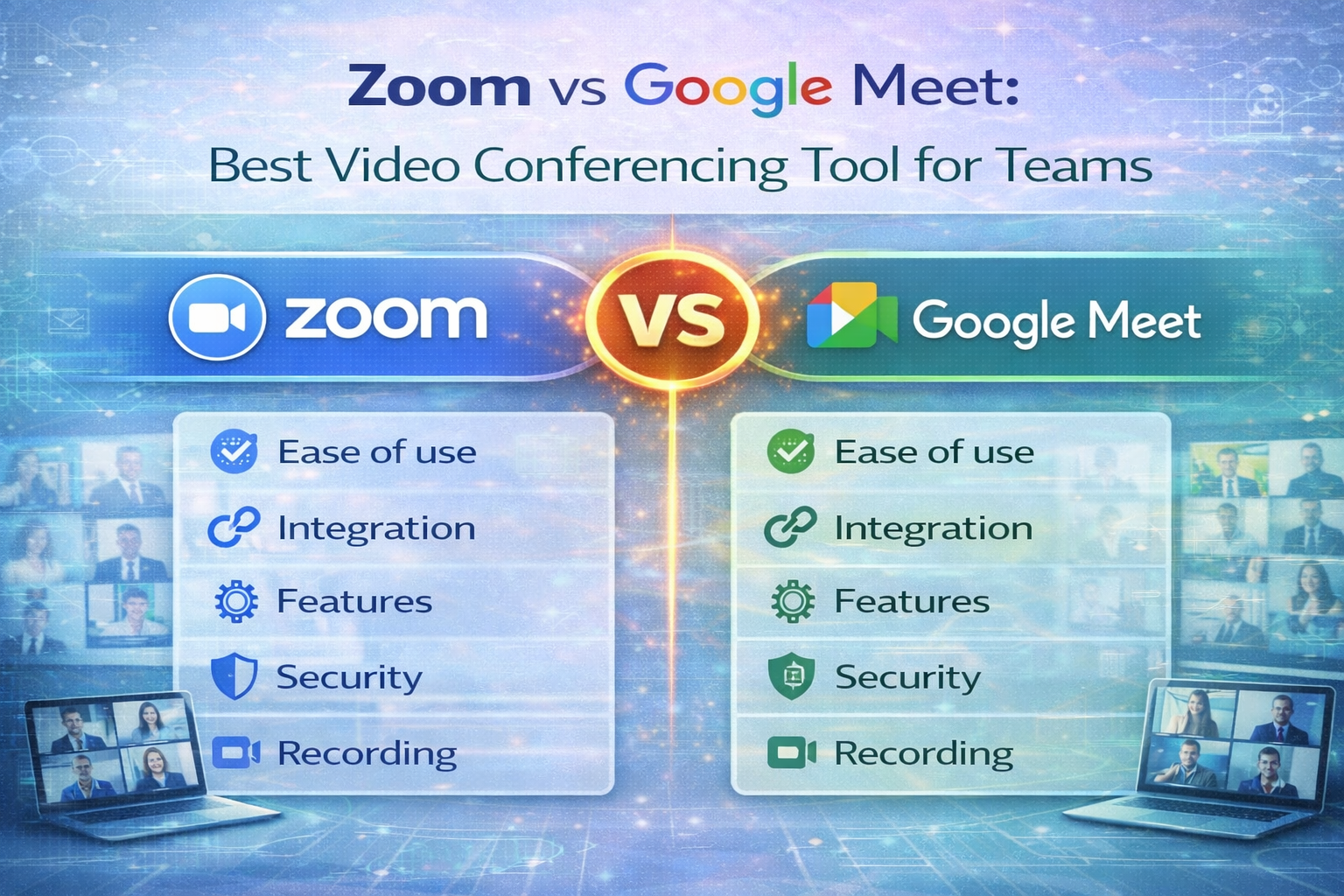
In 2026, two of the most popular video conferencing tools are Zoom and Google Meet
If you are managing leads and customers for your online projects, check out our detailed guide on best CRM software for small businesses in 2026..
But which one is better for teams and businesses?
In this comparison, we analyze features, pricing, performance, and usability to help you choose.
🔍 Why Video Conferencing Tools Matter
Video conferencing software helps teams:
- Hold virtual meetings
- Share screens
- Record sessions
- Collaborate remotely
- Reduce travel costs
🏢 Overview: Zoom vs Google Meet
🔹 Zoom
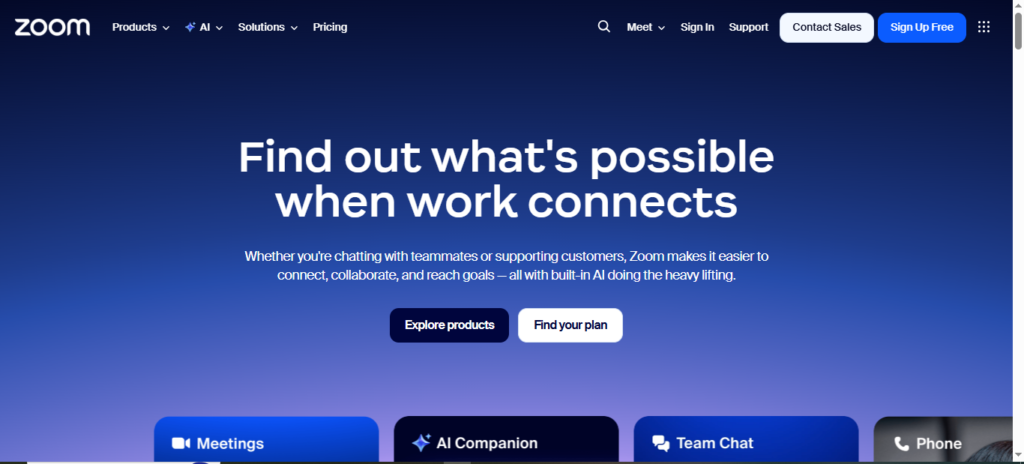
- Known for: Stability & advanced features
- Used by: Businesses, educators, enterprises
🔹 Google Meet
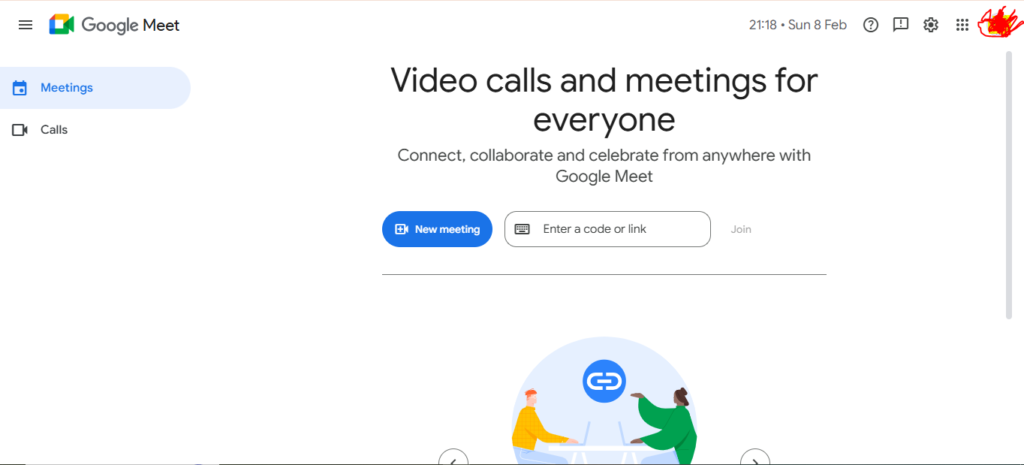
- Known for: Google Workspace integration
- Used by: Startups, remote teams, schools
💰 Pricing Comparison (2026)
Zoom Pricing
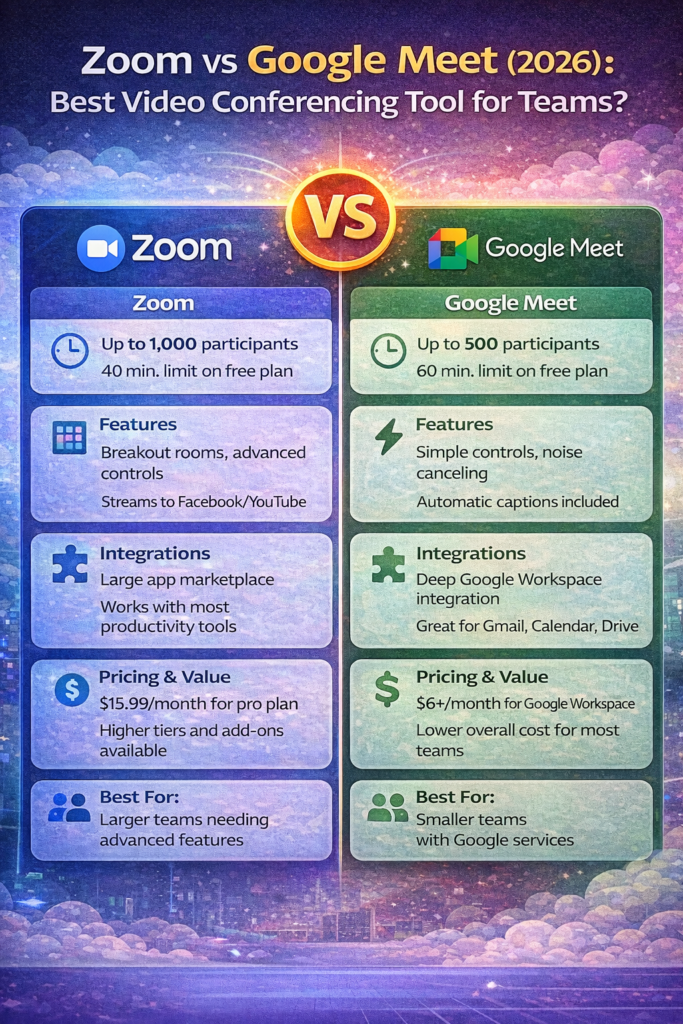
- Free: 40-min limit
- Pro: $15.99/month
- Business: $21.99/month
Google Meet Pricing
(Included with Google Workspace)
- Starter: $6/month
- Standard: $12/month
✅ Winner: Google Meet (better value in bundles)
⚡ Performance & Reliability
Zoom
- HD video
- Stable connections
- Advanced noise suppression
Google Meet
- Browser-based
- Adaptive bandwidth
- Low latency
✅ Winner: Tie (both reliable)
🔒 Security & Privacy
Zoom
- End-to-end encryption
- Waiting rooms
- Meeting passwords
Google Meet
- Encrypted by default
- Google security infrastructure
✅ Winner: Google Meet (strong ecosystem security)
🖥️ Ease of Use
Zoom
- Desktop app required
- Feature-rich interface
Google Meet
- Works in browser
- Simple interface
✅ Winner: Google Meet (simpler for beginners)
For reliable hosting performance, you may also find our comparison on Hostinger vs Bluehost for beginners in 2026 useful.
📞 Customer Support
Zoom
- Live chat & phone (paid)
- Help center
Google Meet
- Google support system
- Documentation
✅ Winner: Tie
📊 Feature Comparison Table
| Feature | Zoom | Google Meet |
|---|---|---|
| Recording | Yes | Yes (Paid) |
| Screen Sharing | Yes | Yes |
| Breakout Rooms | Yes | Limited |
| Max Participants | 1,000 | 500 |
| Browser Access | Limited | Yes |
🤔 Which One Should You Choose?
Choose Zoom If:
✅ You host large webinars
✅ You need breakout rooms
✅ You want advanced controls
Choose Google Meet If:
✅ You use Gmail & Drive
✅ You prefer simplicity
✅ You want lower cost
🏆 Our Recommendation
🥇 Best for Most Teams: Google Meet
For most small and medium teams in 2026, Google Meet offers the best balance of price and usability.
🚀 Free Plans & Trials
- Zoom: Free plan (40-min limit)
- Google Meet: Free with Google account
📌 Final Verdict
If you want advanced meetings → Zoom
If you want simple meetings → Google Meet
Both are excellent.
Remote teams using design tools can benefit from our review of best project management tools for remote teams.